Showing posts with label photoshop. Show all posts

Thursday, April 12, 2012

Illustration Friday - Vocal


This weeks Illustration Friday topic is Vocal. All I could think about is how my cat Lucy is very vocal when she wants something :0) 


I painted the cat, bowl, and the shadows and realized I might lose some of the fur texture when I painted in the background, so instead I scanned the image in and added the background in Photoshop. I think it looks kind of neat. I might go back and paint the background on the original, we'll see. 

Monday, March 5, 2012

Merry Monday


Here's this week's Merry Monday post. I used the computer to make the buildings because I didn't end up liking the background I painted in. 

It's frustrating when the vision you have for something doesn't work out on paper, but I'm glad I was able to make it better/different with the help of the computer!

I hope your week is going well!

*Quote “Life begins at the end of your comfort zone.” by Neale Donald Walsch.

Tuesday, February 21, 2012

Inspiration - Color Palette

Howdy! Hope you had a good weekend. I just got back from Monterey last night and am already headed off to Arizona for a little trip. 

I hope to paint some desert scenes while I'm there, so here's some color inspiration from the desert.


Gotta get packing, have a great day!

Wednesday, February 1, 2012

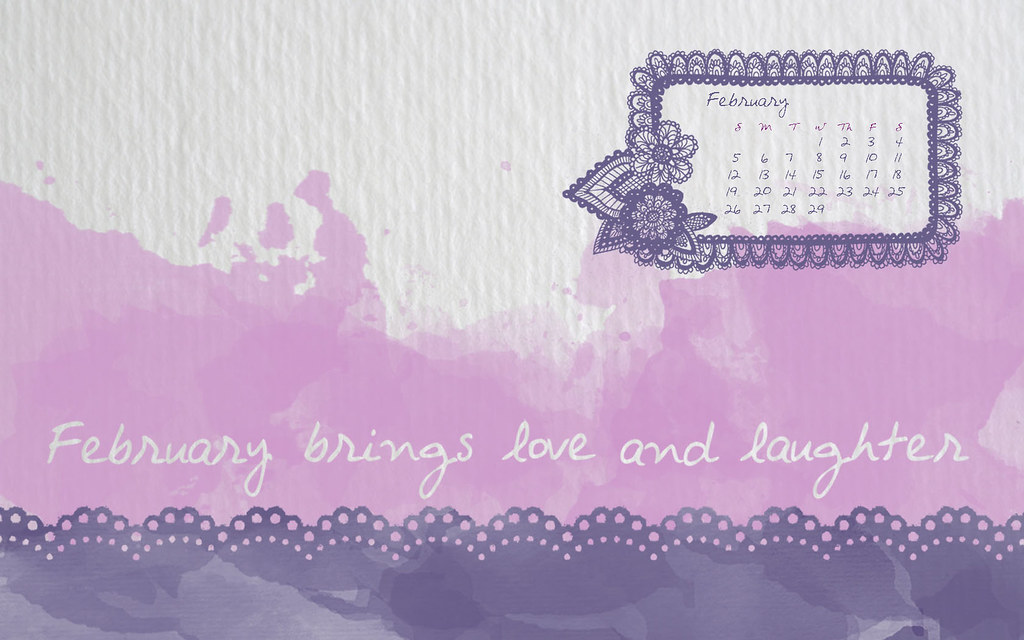
February Freebie

Happy February!

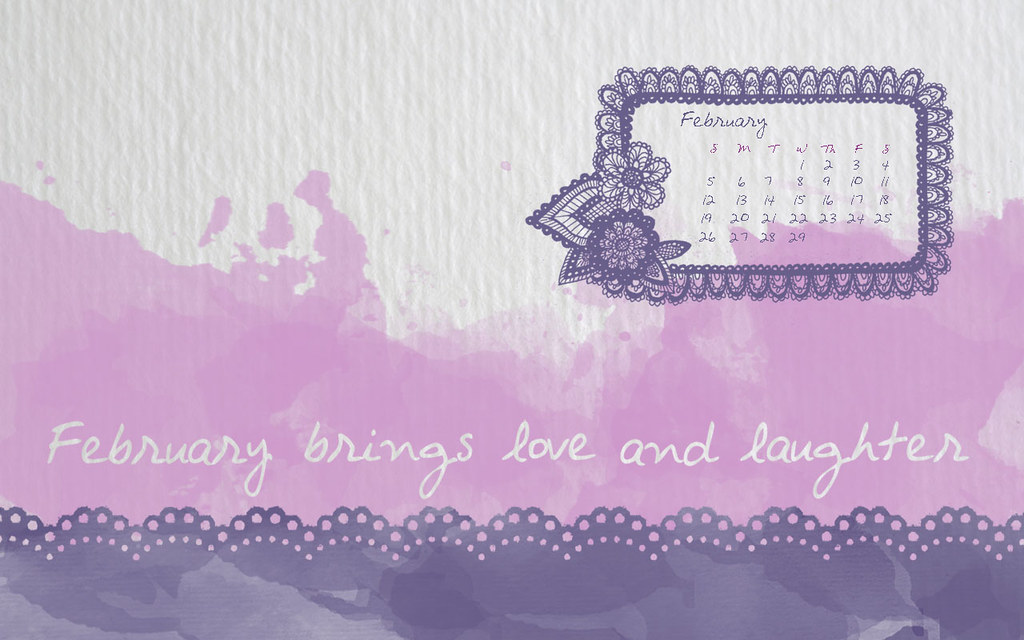
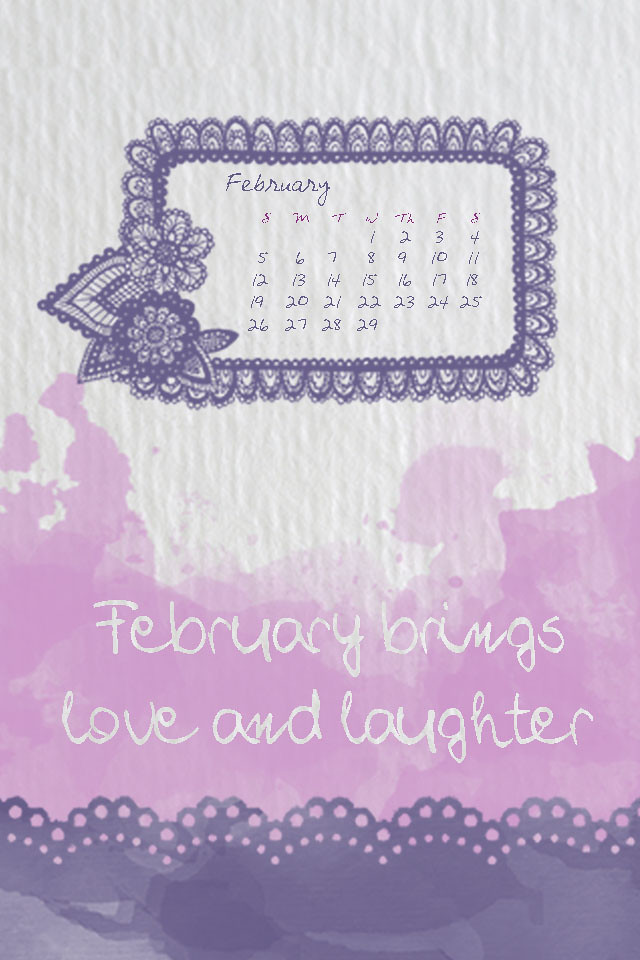
Here's a cheerful desktop background I made for you to download. I hope you like it!


(I just did basic sizes, but if the correct size for your monitor isn't there email me and I'll make you another one).

Tools: I used these free photoshop watercolor brushes, which includes the paper background. I drew the flower doily frame myself.

(Edited to fix image resolutions)